Learn to fly RC planes without breaking anything
Plug in your radio and fly in 30 seconds. Short lessons take you from your first turn to your first landing, with help you dial down as you improve.
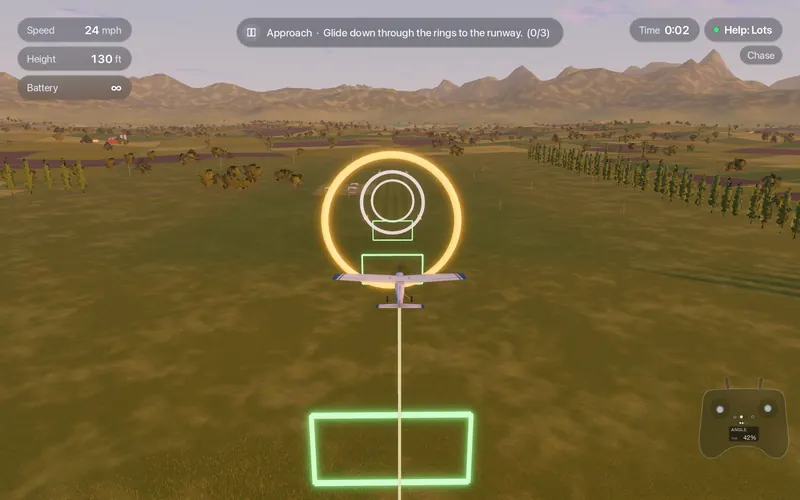
- 34 lessons
- Basics, failures, VTOL, FPV and ArduPilot
- 1 to 3 minutes
- One goal per lesson, three stars
- 3 help levels
- Lots, Some and Off, switched from the controller
- 5 s rewind
- Missed the flare? Go back and try again
Every lesson, by name
Pick any lesson, or follow the recommended path from first takeoff to dead-stick landing.
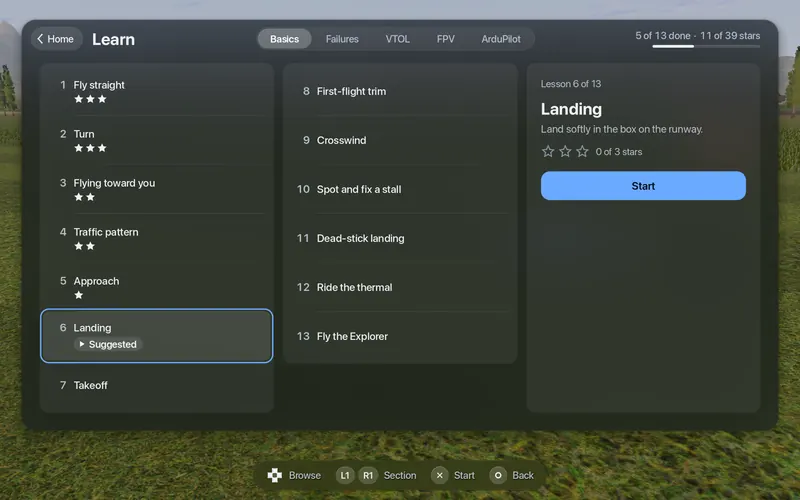
Basics 13
- Fly straight
- Turn
- Flying toward you
- Traffic pattern
- Approach
- Landing
- Takeoff
- First-flight trim
- Crosswind
- Spot and fix a stall
- Dead-stick landing
- Ride the thermal
- Fly the Explorer
Failures 5
- Engine out
- Low-battery landing
- Stuck servo
- Radio loss
- Sudden gust
FPV 8
- Read the OSD, fly home
- Low pass and gates
- Through the barn
- Battery reserve into wind
- Know your signal limit
- Signal behind the hill
- Failsafe drill
- Land in FPV
ArduPilot 4
- What is FBWA?
- Return home (RTL)
- Radio loss (failsafe)
- Automatic mission
Appear when ArduPilot is on.
$49.99 once, everything included · On sale soonRequirements
Three help levels
Lots
Let go of the stick and the plane flies level. It won't let you stall or dive, sets its own throttle, and flies faster in strong wind so it isn't blown backwards.
Some
Let go and the wings level themselves.
Off
No assists: you fly the model, with the controls and conditions you set.
Switch levels any time from the controller. Start with Lots, finish on Off.
$49.99 once, everything included · On sale soonRequirements
Small things that help
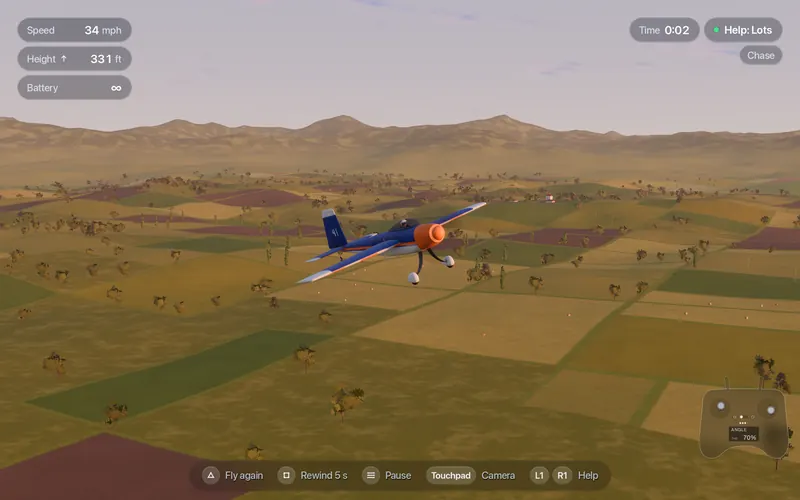
The details that keep a practice evening moving.
Five-second rewind
Missed the flare? Go back five seconds and try again instead of restarting the lesson.
"Try again" in half a second
Crash, and a single button puts you back in the air.
Never lose the plane
An arrow at the screen edge points to the plane when it is out of view, and a line drops from the plane to the ground to show height.
Trim
Plane keeps drifting to one side? Trim it from the pause menu or with the controller.
Units and language
Imperial (mph, ft, oz) or metric. English, with Turkish available.
Voice guide
Lessons and warnings are read aloud when a voice is installed for your language.
$49.99 once, everything included · On sale soonRequirements
No radio yet?
- Start with a PS5, Xbox or Switch controller, or even the keyboard.
- When you are ready for a real transmitter, see which ones work on a Mac on the controller page.