Fixed-wing FPV practice, from OSD scan to landing
Most FPV simulators are built for quadcopters. This one is for wings: three OSD layouts, video breakup, signal range, failsafe drills and eight lessons from reading the OSD to landing in the goggles.
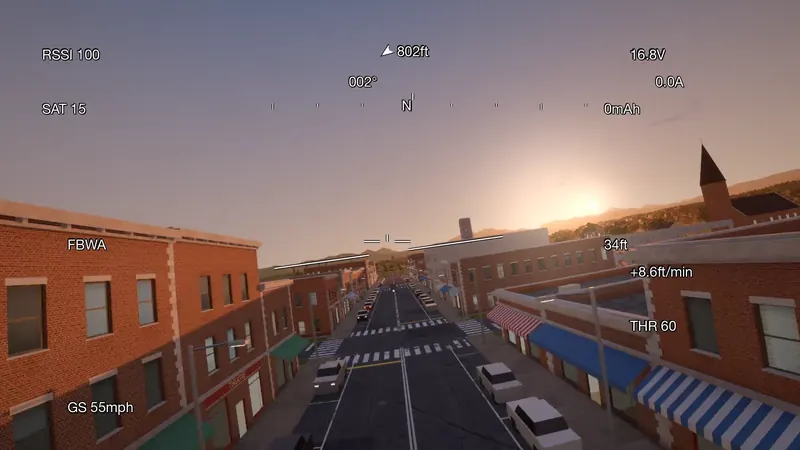
- 3 OSD layouts
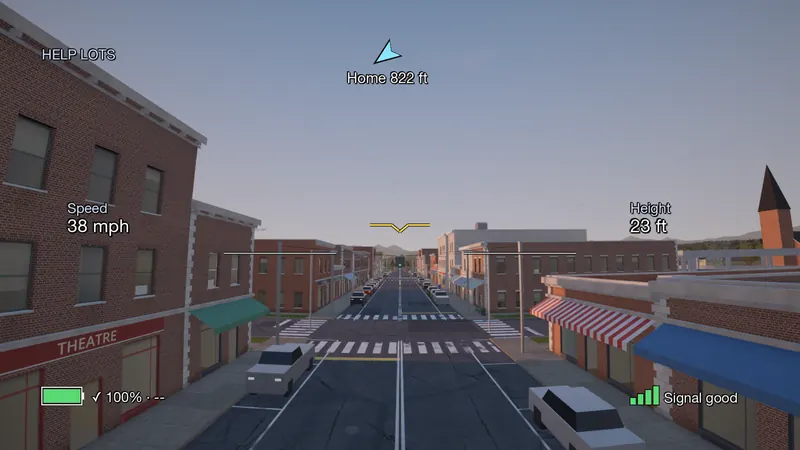
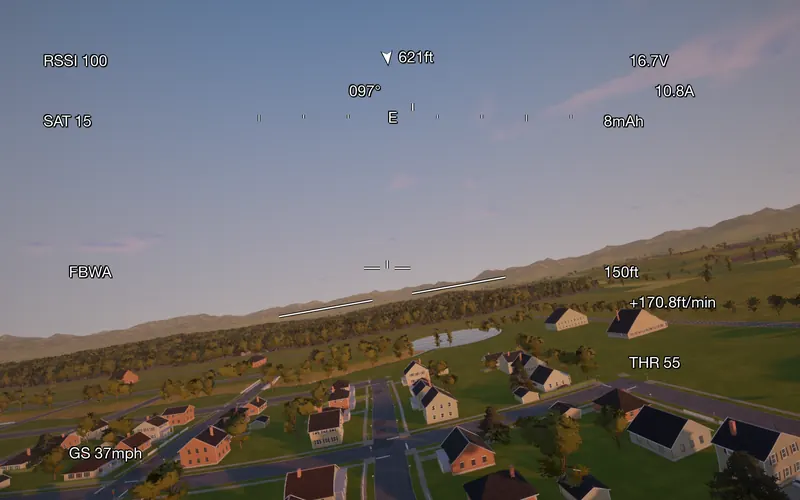
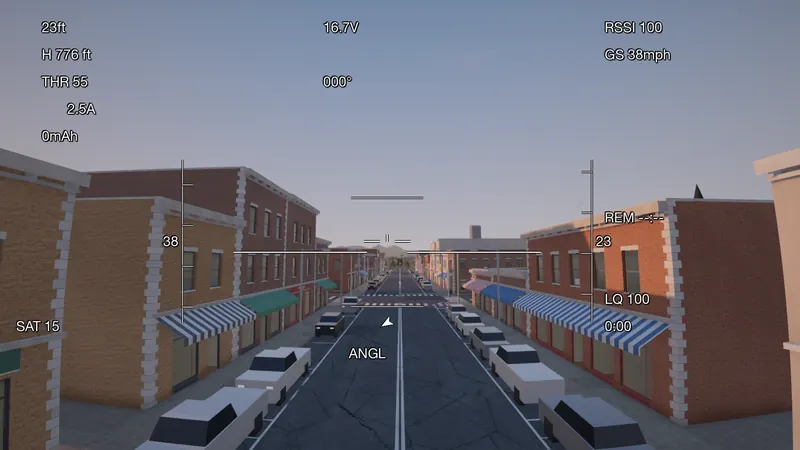
- Simple, ArduPilot-style and INAV-style
- 8 FPV lessons
- From reading the OSD to landing in FPV
- Analog and digital
- Snow and tearing, or blocks and freezes
- Failsafe
- Return to home with ArduPilot, RTH with an INAV-style setup
Three OSD layouts
RSSI and link quality, satellites, voltage, current and mAh used, altitude, climb rate, ground speed, home arrow and distance, flight mode and messages.
$49.99 once, everything included · On sale soonRequirements
Eight lessons, from the OSD to the landing
Meet the signal drop, the hill and the failsafe in the sim before you meet them in the air.
Read the OSD, fly home
Low pass and gates
Through the barn
Battery reserve into wind
Know your signal limit
Signal behind the hill
Failsafe drill
Land in FPV
Then rehearse failsafe and RTL with the real firmware. ArduPilot on your Mac
$49.99 once, everything included · On sale soonRequirements
Video that behaves like video
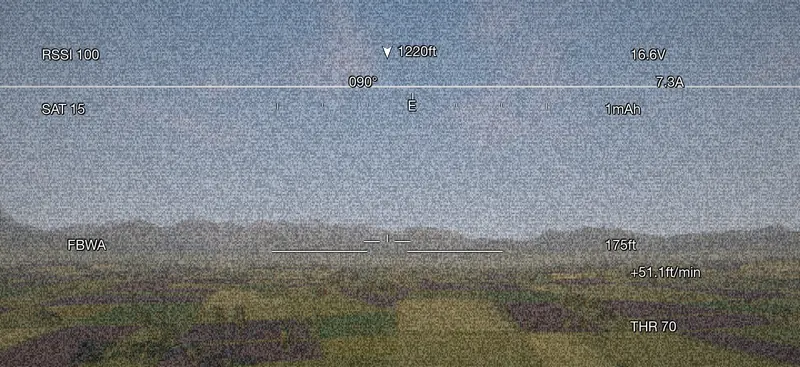
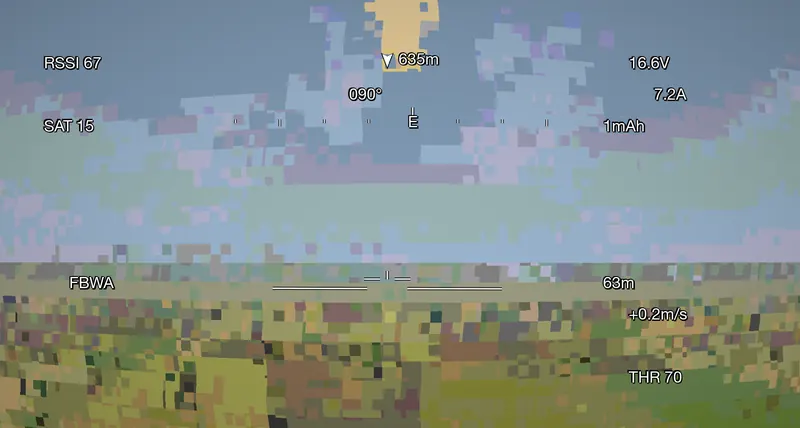
Analog video turns to snow and tears as the signal weakens. Digital video blocks up and freezes instead. Both depend on distance, antenna angle and what is between you and the plane.
Link loss and failsafe
Lose the control link and watch the failsafe take over: return to home with ArduPilot, RTH with an INAV-style setup. Practice what you do in those seconds.
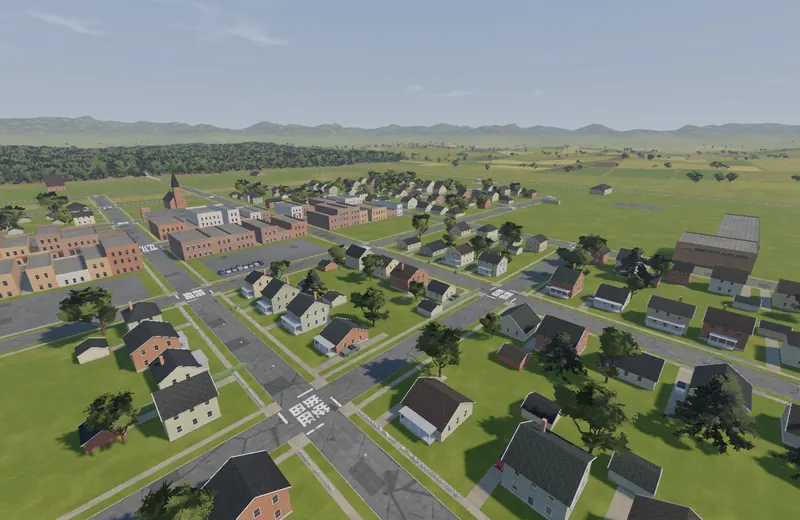
Low-level and long-range fields
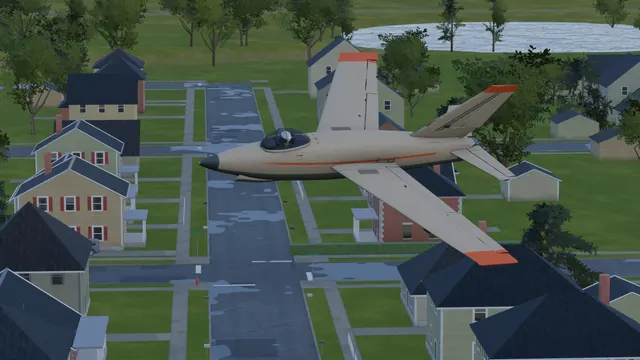
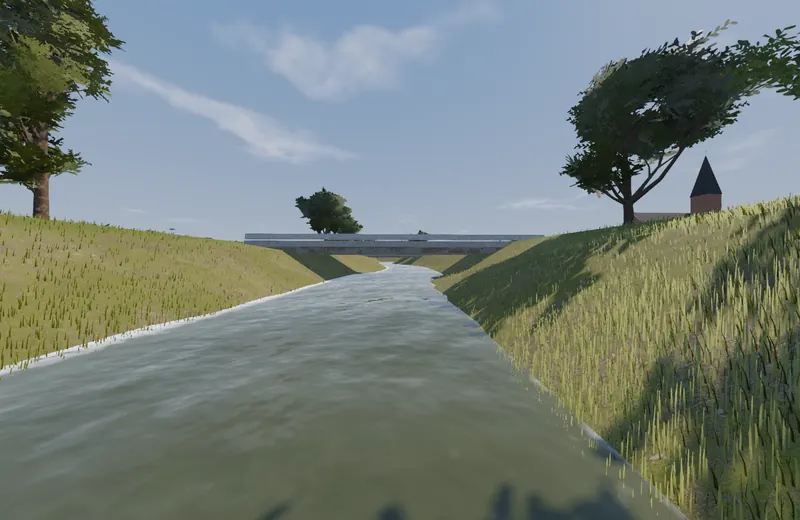
Fly low through a small town, along a river and under a bridge, or out over open farmland.
$49.99 once, everything included · On sale soonRequirements
Low, through town and over the river
The town in the main flying area, the river and the bridge, and open farmland beyond.
Good to know
- The INAV-style OSD is a layout modeled on INAV's display. INAV itself is not built in: the autopilot behind it is ArduPilot or Fly Before's own assistance.
- The weak-signal frames on this page are degraded on purpose to show what the link model does. They are not the normal view.
- The town frames were captured along a pre-set camera path.